ReiBoot
ReiBoot is a Tenorshare utility for Windows that puts an iPhone or iPad into or out of recovery mode and repairs common iOS system problems.
69.7 MB

Samsung Smart Switch for Windows connects a Galaxy phone or tablet to your PC to back up data, restore it and update the device software.
Average 0.0 · ratings: 0
Thank you! Your rating is saved; you can change it. Could not save the rating. Please try again later. Too many ratings from your network today. Please try again tomorrow. The average appears after 5 ratings.
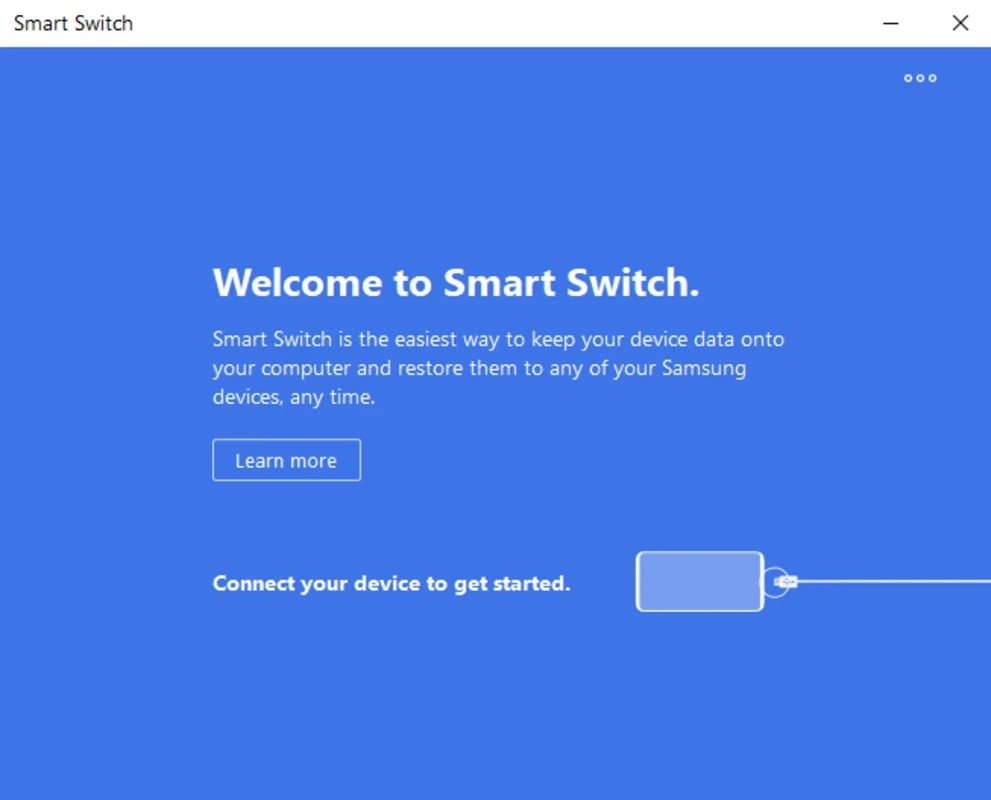
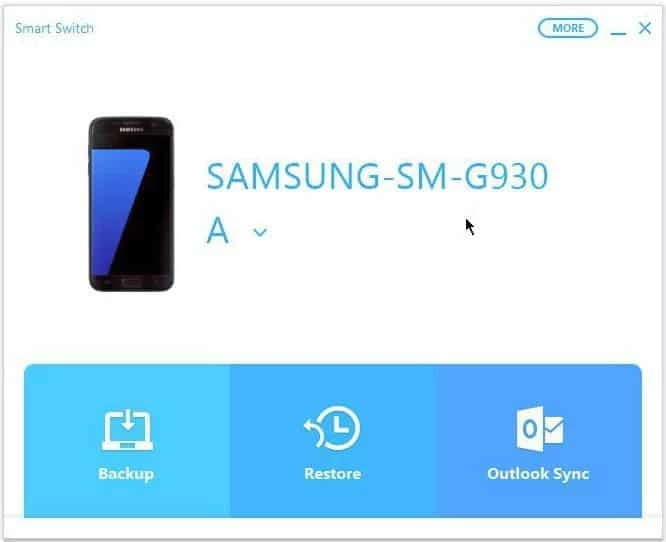
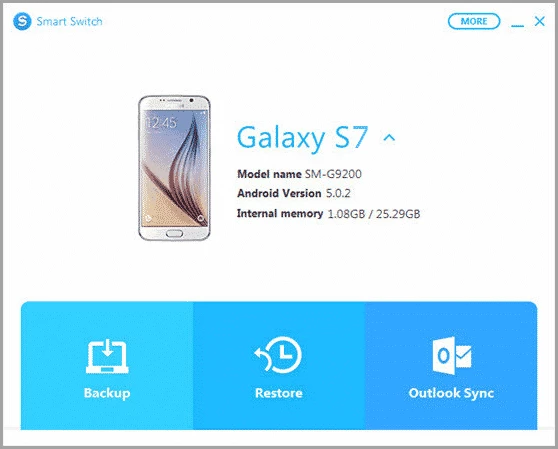
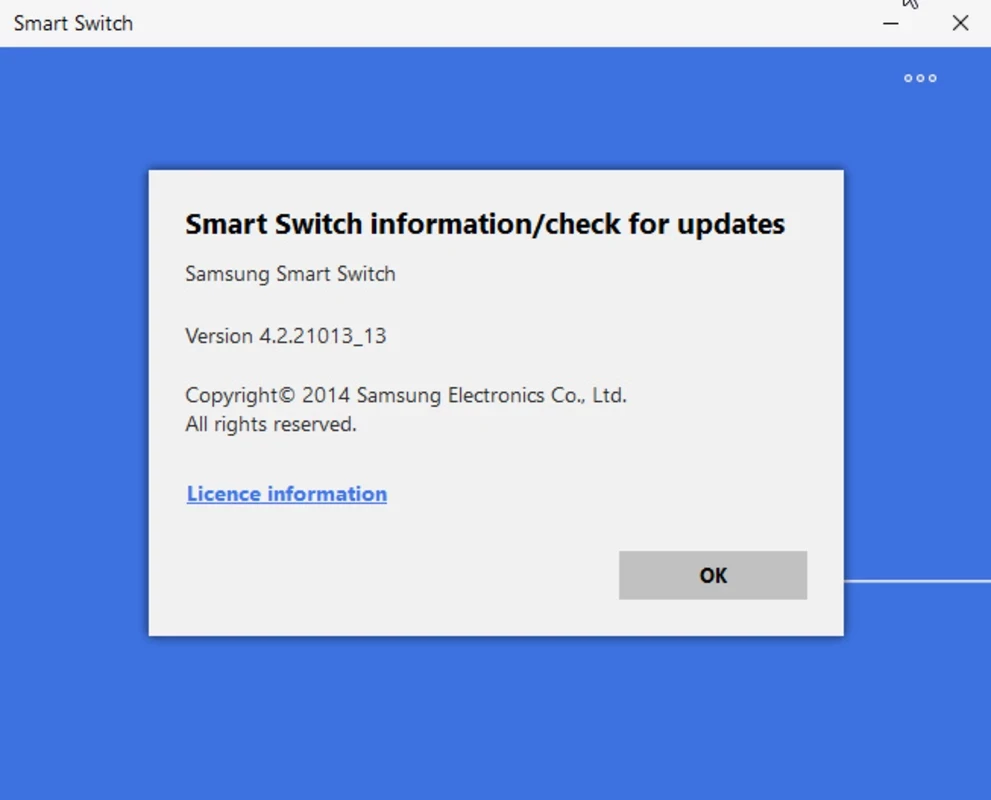
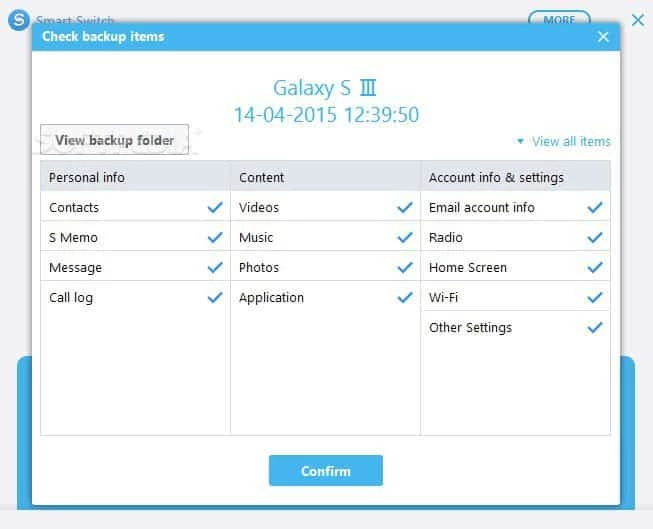
Samsung Smart Switch 4.3.24062.1 is Samsung's free Windows program for backing up and transferring data from Galaxy phones and tablets. You can download it from Samsung's official site; it runs on Windows 10 or later and also exists for macOS and as an Android app.
Smart Switch solves a problem most people meet every few years: moving photos, contacts, messages and settings from an old phone to a new one without losing anything. On the phone itself the app handles direct transfers, while the desktop version adds a second route through the computer. You connect the device with a cable, make a backup to the PC and later restore it to the same or a new Galaxy device. The PC version is also one of the official ways to update the software on a Samsung phone: Samsung's own guide explains how to install system updates through Smart Switch when an update over the air is not available or fails. Because the program comes from the phone manufacturer, it knows the device's data formats, which third-party backup tools do not always handle well. For anyone who keeps important photos on a Galaxy phone, a regular backup to a computer is a simple insurance policy.
| Item | Requirement |
|---|---|
| Version | 4.3.24062.1 |
| Windows | Windows 10 or later |
| Mac | macOS 10.9 or later |
| Android, general transfers | Android 4.3 or higher |
| Android, encrypted data | Android 7.0 or higher |
| Extra component | Microsoft Media Feature Pack, if missing |
| Size | about 44.15 MB according to catalogue data |
Samsung's troubleshooting page is the place to start. Check that your Windows version meets the requirement and install the Media Feature Pack if it is missing. Try another cable or USB port, keep the phone unlocked during the transfer and make sure the computer has enough free space for the backup.
A backup contains your messages, contacts and photos, so store it on a computer only you use and protect your Windows account with a password. Download the program only from Samsung; phone tools from unofficial portals are sometimes bundled with unwanted software.
Our listings include Huawei HiSuite for Huawei phones and 3uTools or iTools for iPhone management. SamFirm is a technical tool for Samsung firmware downloads and is meant for experienced users.
ReiBoot is a Tenorshare utility for Windows that puts an iPhone or iPad into or out of recovery mode and repairs common iOS system problems.
DirectX 9.0c is an older version of Microsoft's multimedia and graphics APIs that many classic Windows games still need to run.

DirectX 10 is a version of Microsoft's multimedia and graphics API that comes with Windows; older games may also need the DirectX End-User Runtime.

3uTools is a free Windows program for managing an iPhone or iPad from a PC, including files and device information.

Huawei HiSuite is Huawei's official PC suite for Windows and macOS for backing up, managing and updating Huawei phones and tablets.

DirectX 11 is a version of Microsoft's collection of multimedia and graphics APIs that Windows games and apps use to work with the graphics card and sound.
DirectX 12 is Microsoft's graphics and multimedia API for Windows. It is part of the system and updated through Windows Update and graphics drivers.

DriverPack Solution is a free Windows tool by Artur Kuzyakov that detects missing or outdated drivers and installs them from its own driver collection.